Physical Address
304 North Cardinal St.
Dorchester Center, MA 02124
Physical Address
304 North Cardinal St.
Dorchester Center, MA 02124

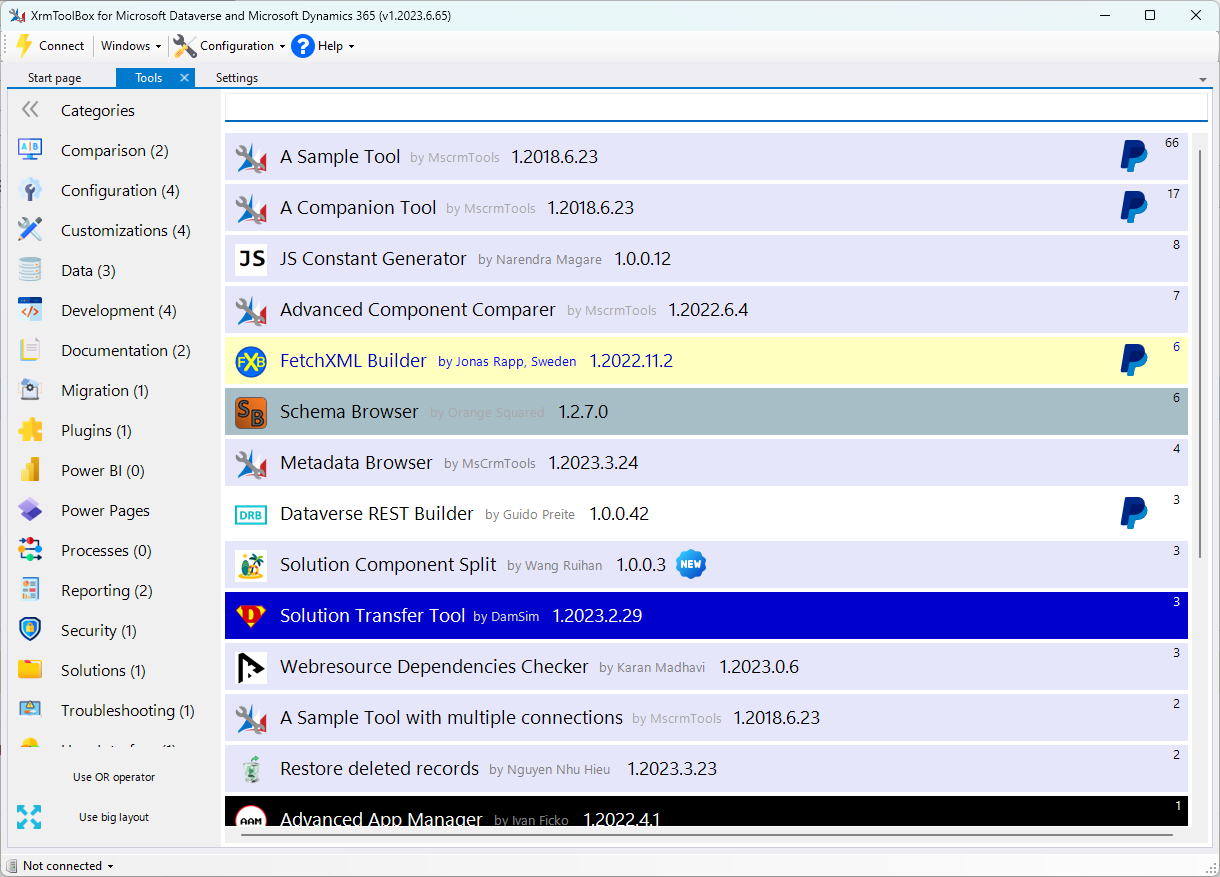
If you’re looking to access audit data from Dataverse using SQL, SQL4CDS is a must-have plugin for XrmToolBox. It allows you to write SQL-style queries against your Dataverse environment, including tables like audit that are typically hard to reach via FetchXML or the UI.
Once connected to your environment, you can run queries like:
SQL
SELECT * FROM audit
WHERE objectid = ‘your-record-guid’
ORDER BY createdon DESC
Show more lines
You can filter by operation, userid, or any other relevant field. Results can be exported to Excel or CSV for further analysis.
SQL4CDS makes it easy to explore audit logs for compliance, troubleshooting, or reporting—without needing to write complex FetchXML.